
Enhance Photos
Enhance Photos in Just One Click
Enhance photo quality online without signing up, watching ads, or software installation. Process multiple images simultaneously in just a few minutes.
What our photo enhancer does:
- Increase image resolution up to 30 MP
- Improve photo quality while preserving a natural look.
- Fix bad lighting and contrast
- Remove noise and grain
- Fix out-of-focus photos
- Make every detail in a photo crisp, sharp and well-defined.
Bulk Enhance Photos
WowEnhance allows you to process multiple images in one batch. Powered by AI, our photo enhancer analyzes the content and quality of uploaded photos and determines how to enhance them. You don’t need to write prompts or make any manual adjustments in the image editor. Everything happens automatically, without any effort on your part. All you have to do is upload your images, compare the enhanced photos with the originals, and download the copies that you’re happy with.
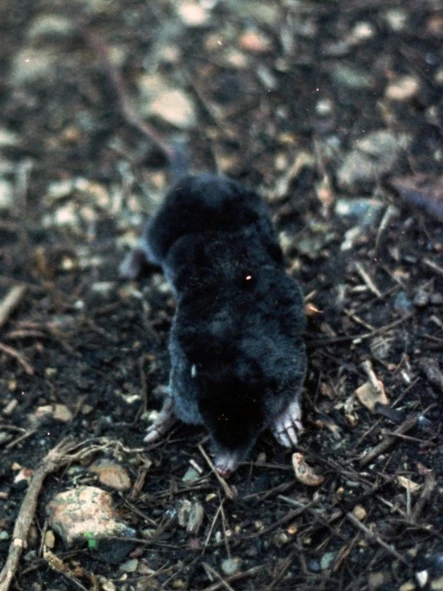
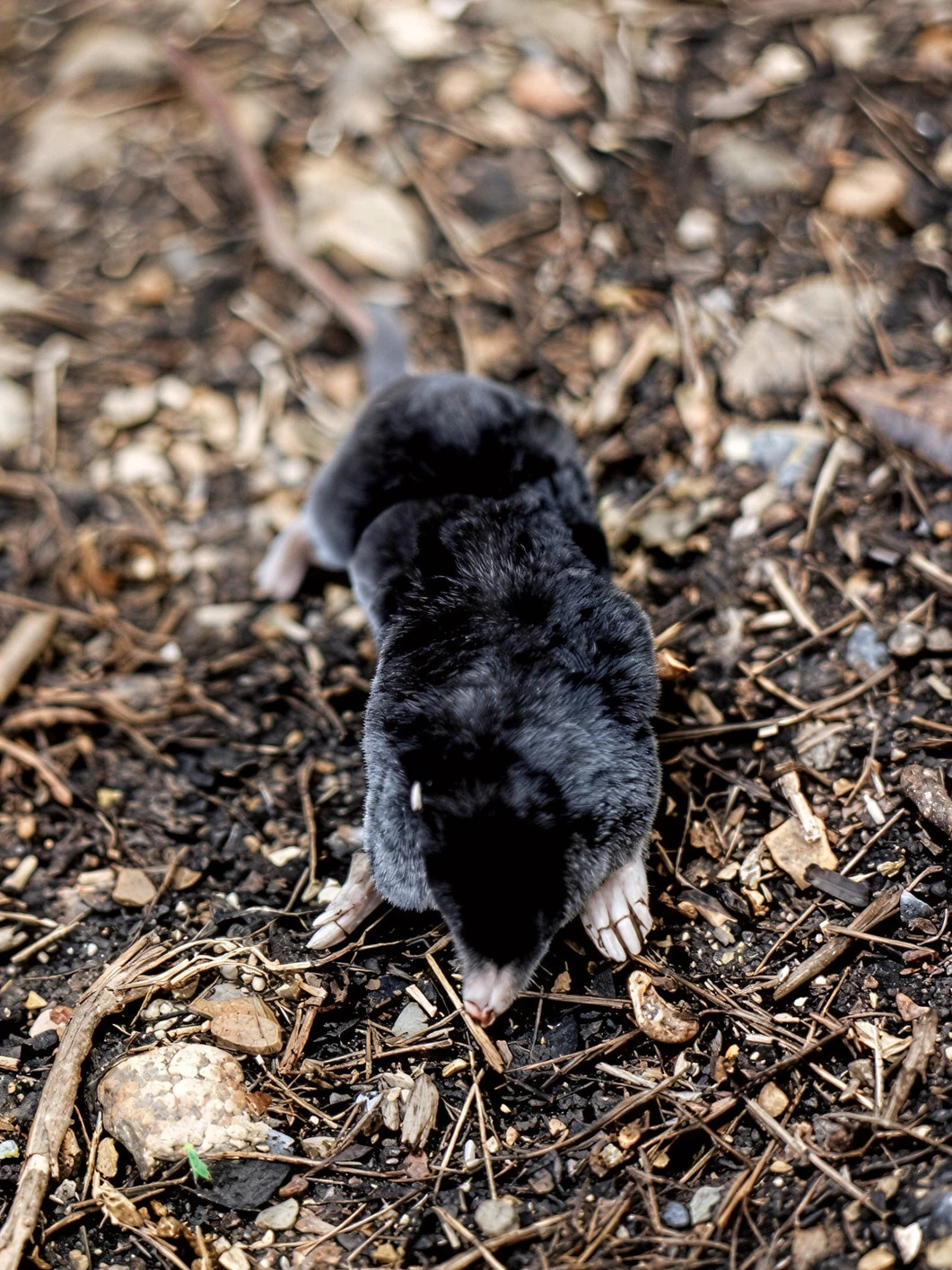
Enhance Photo with Visual Artifacts
Did some of your photos turn out to be out of focus, blurry, too dark, or too grainy? Maybe the shadows are too harsh? Don’t rush to send your images to the trash!
Our photo enhancer can fix these visual defects while maintaining a natural look and producing results as close to the original as possible.
WowEnhance can be especially useful for:
- Photos taken in the evening, at night, or simply in poor lighting
- Photos with people’s faces in shadow or out of focus
- Panoramic photos that look blurry
- Images with hard-to-read text
Restore, Enhance, and Upscale Your Most Valuable Photos
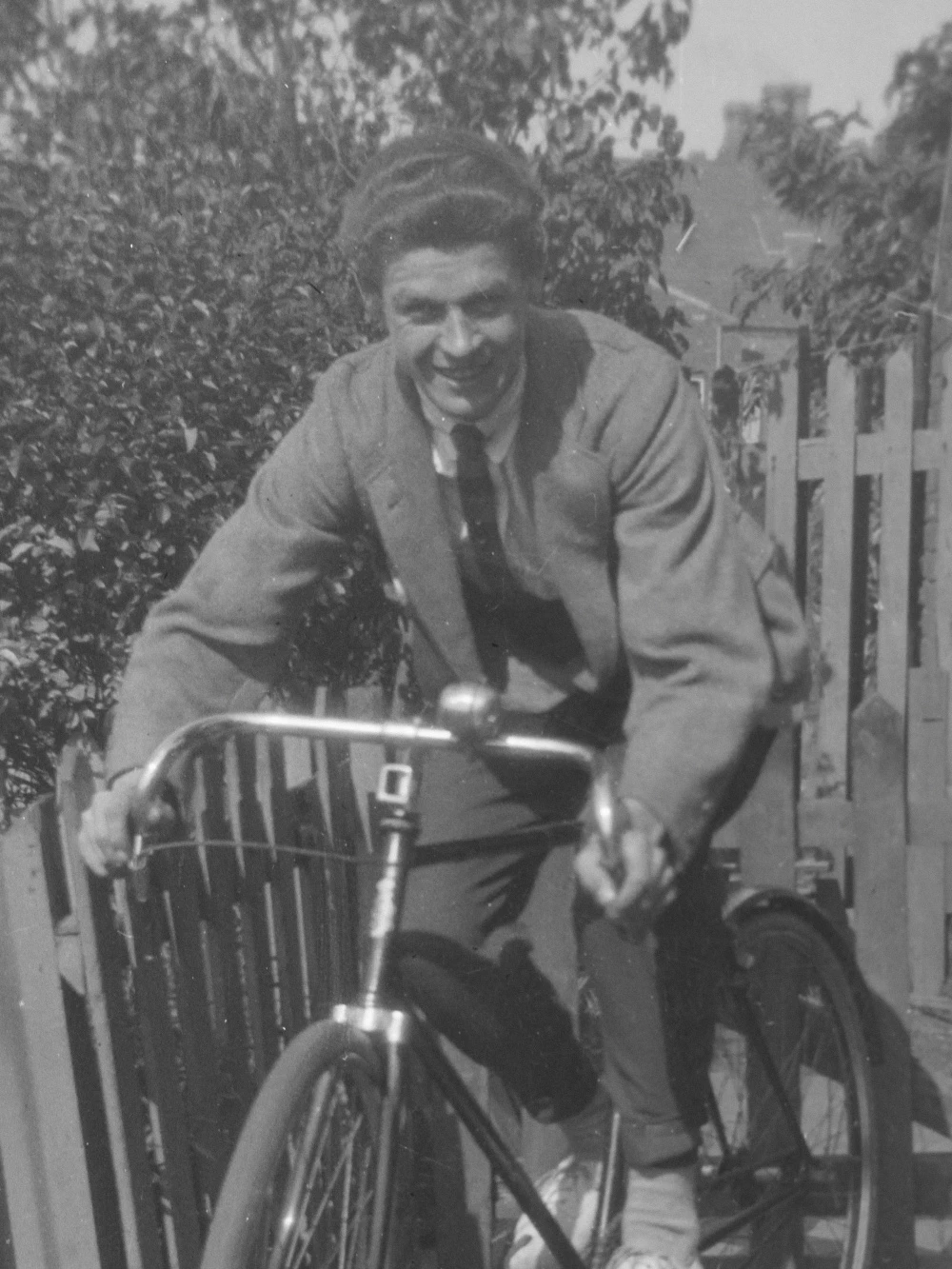
Do you have photos that hold special emotional or meaningful value for you? But their resolution is too low, so you can’t print or publish them online? Our photo enhancer is here to help! It can increase the resolution and improve the overall quality of your photos, so you’ll be able to use them however you want.
With WowEnhance you can:
- Enlarge images up to 4K/8K resolution
- Upscale images to 300 DPI to make them print-ready
- Restore old photos with or without colorization
- Enhance AI-generated images and make them more realistic

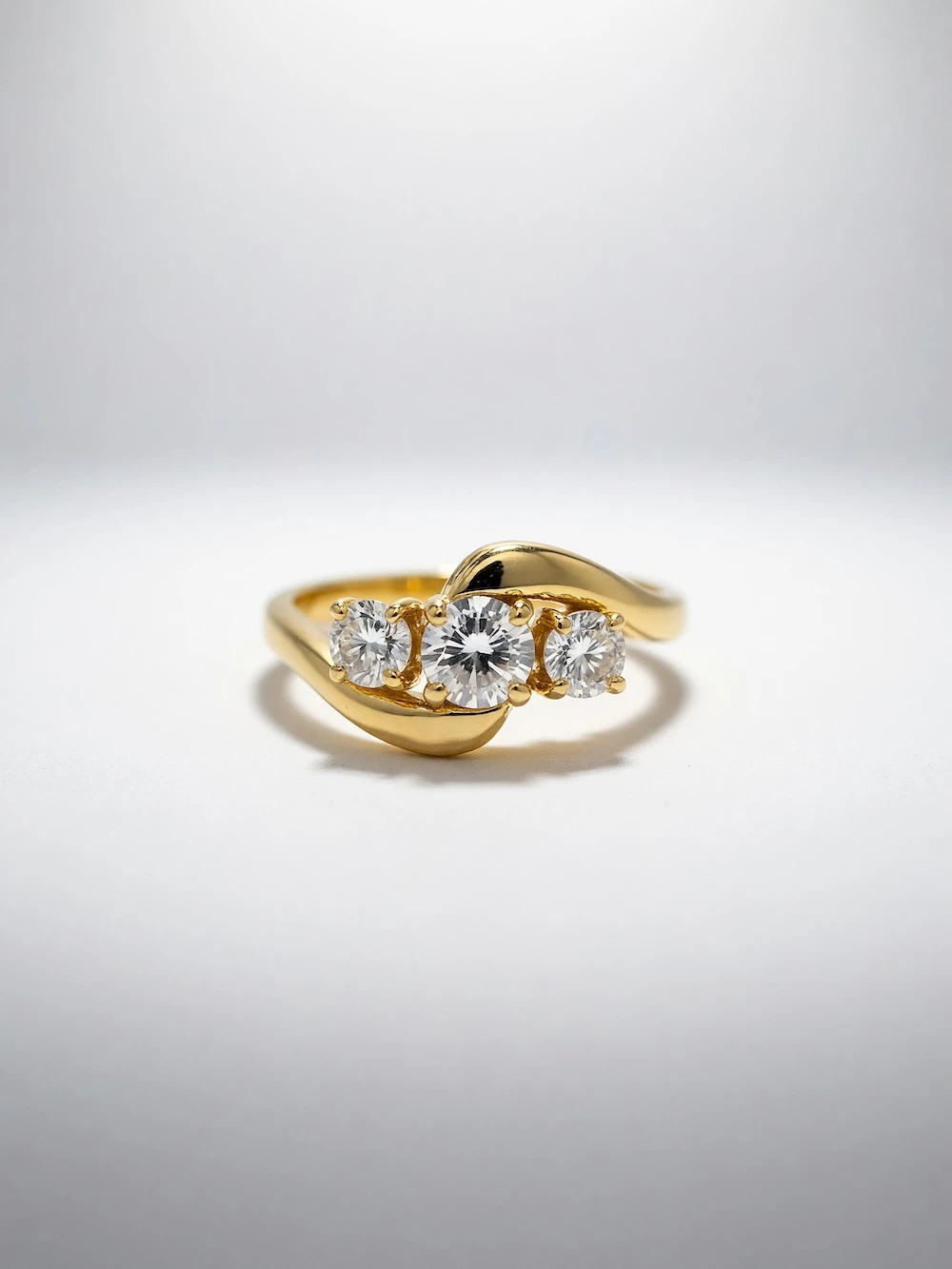
Enhance Photo to Make It Sale-Ready
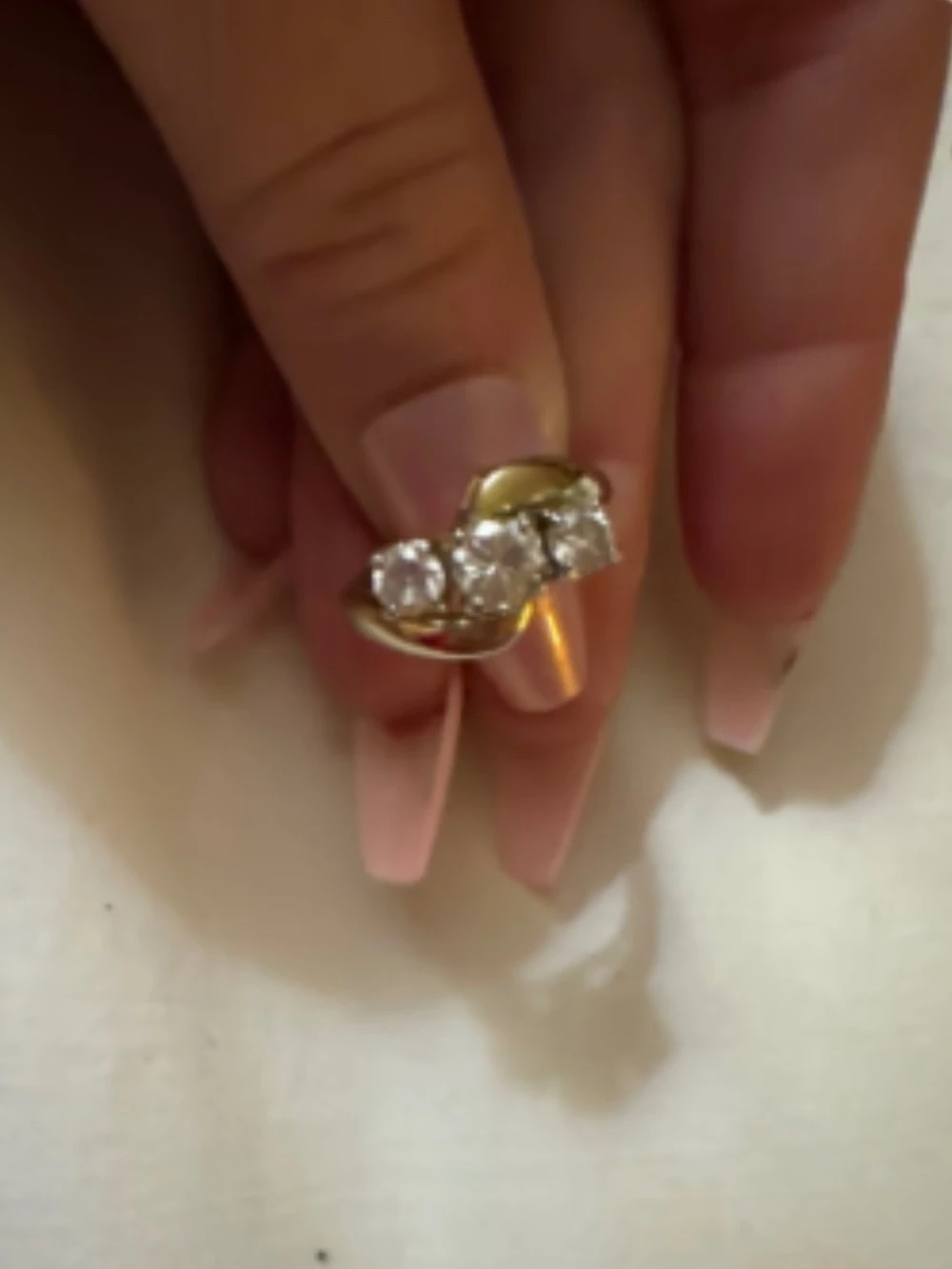
If you resell a large number of products and don’t have the time or budget to organize a professional photoshoot for each individual product, WowEnhance can help.
Simply upload photos taken with your smartphone or original manufacturer photos and select “Change Background“, “Improve Lighting“, or “Remove Distractions“. This will create completely new and unique images that will diversify your gallery and show the product at its best.
Enhance Photo to Drive More Sales
If you sell products on e-commerce platforms, high-quality images are a must. They help attract more attention, build customer trust, and increase the likelihood of purchase. High-resolution images allow potential customers to zoom in and examine all the important product details.
With the help of our photo enhancer, you can:
- Focus on the main subject of the photo
- Make all the details of the photo clear and well-defined
- Highlight the texture of fabrics, stone, wood and other materials
- Make your photos look neat and professional.
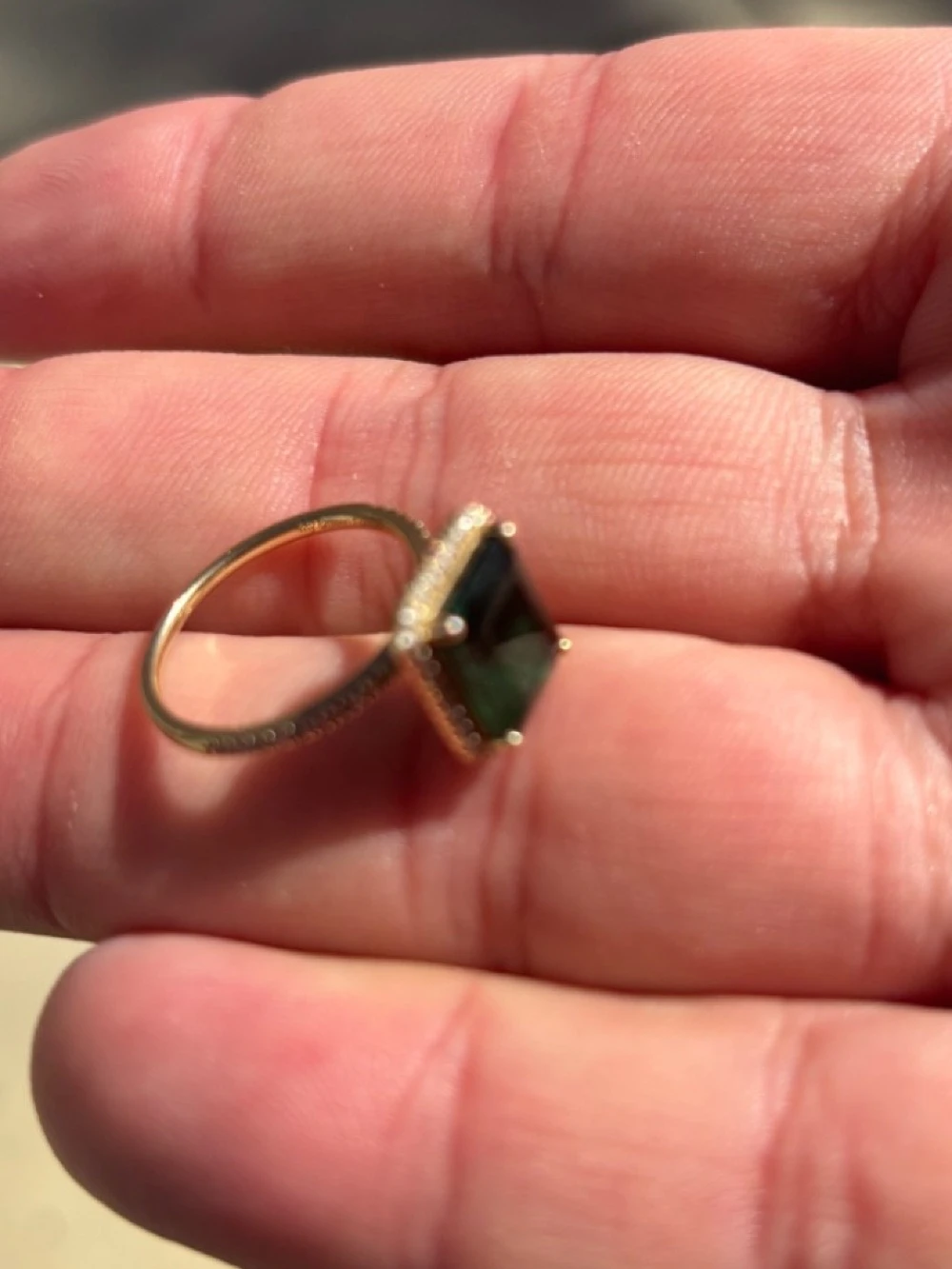
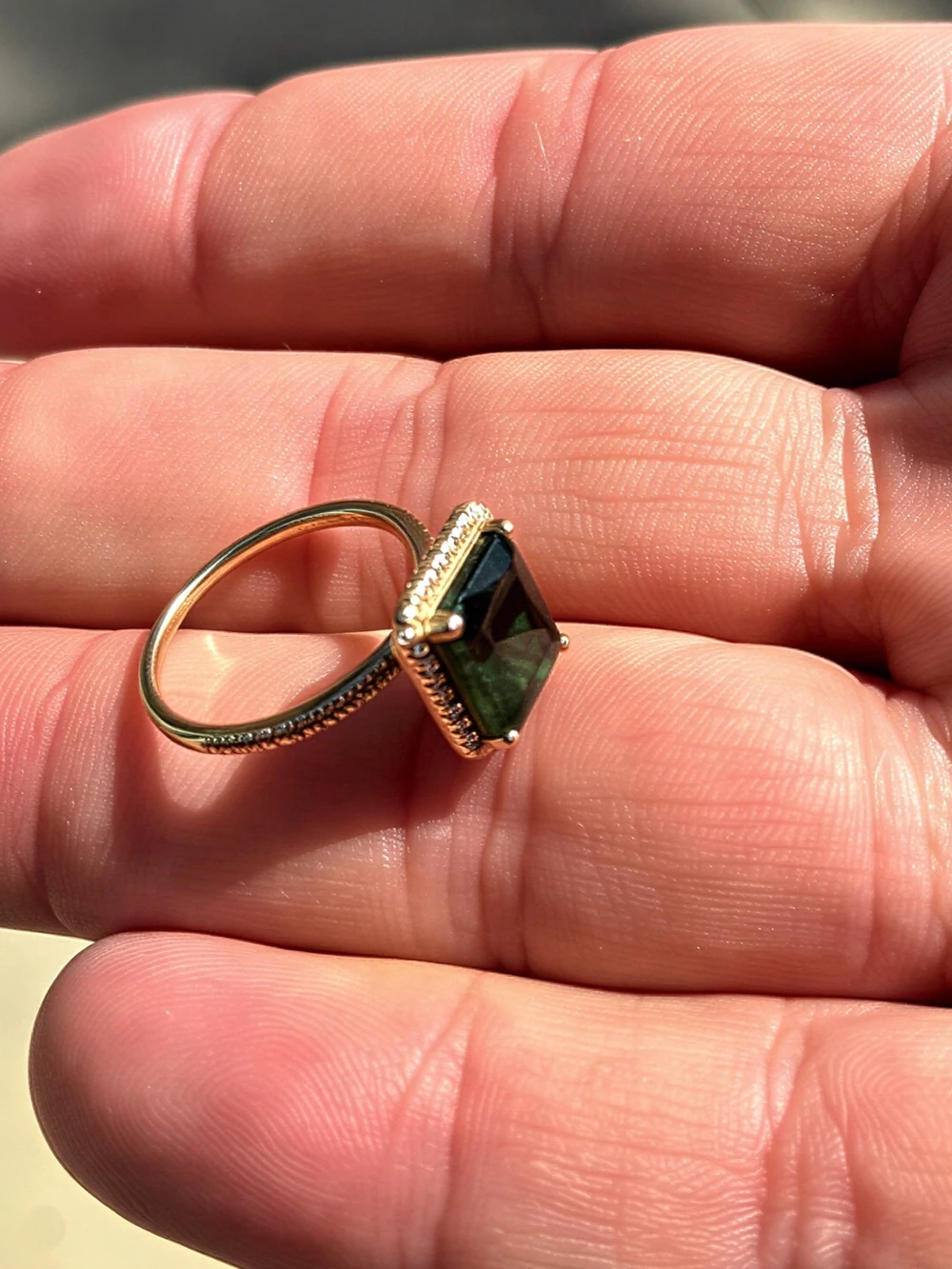
How to Enhance a Photo with WowEnhance
Step 1. Upload one or more images to the app
You have several options for uploading:
- Drag and drop files directly to the photo enhancer
- Click “Select Images” and choose the folder or files on your device
- Upload photos from Google Drive, Google Photos or Dropbox
- Paste the image link and import it from a website.
The tool supports all the popular formats: JPG, JPEG, PNG, WebP, HEIC, BMP, AVIF and RAW.
Step 2. Click the Enhance Photo button
Depending on the number and quality of the originals, enhancing images can take up to several minutes. In some cases, the app can also offer you to change the image background.
Step 3. Review enhanced image and download the result
Using the slider and zoom, you can examine any section of the enhanced photo in detail and compare it with the original. You’ll also see the change in pixel size.
Click “Download” to save the result.
FAQ
How to enhance a photo for free?
Try the online photo enhancer from WowEnhance. You can process one photo at a time and up to three photos per day. If you enhance a photo and change its background, a watermark with our logo will be added to the enhanced copy. Do you need batch processing or want the final image without any watermarks? Consider purchasing the paid version of the app.
How to enhance photo quality?
This can be done in a single click. Go to the app at the top of the page, upload your photos, and click the Enhance Photo button. If your images are initially low-resolution, they will be enlarged by 2x or more. Our photo enhancer can fix issues with focus, lighting, detail, and exposure. It sharpens and cleans up your images while maintaining their natural look and original content.
How to enhance a blurry photo?
Upload it to our app for enhancing photos, click the Enhance Photo button, wait for the app to process the image, and compare the results. Thanks to modern AI technologies, you can easily make the main subject of the photo sharp and clear, thus, giving your shot a second chance. There’s no need to delete out-of-focus photos anymore!
How to enhance the resolution of a photo?
With the help of WowEnhance online tool you can increase the resolution of your photos up to 4K/8K and 30 MP. More to that, your enhanced images will be exported at 300 DPI. This means that you’ll get sharper, more detailed and high-quality images that are better suited for printing, online publishing, placement on e-commerce platforms and further professional use.