
Remove Background
Remove Background from Image for Free
Remove background from an image in just one click. No manual editing required. No ads. No registration. Our background remover supports JPG, JPEG, PNG, WebP, HEIC, BMP, AVIF, and RAW.
Remove Backgrounds with High Accuracy
The WowEnhance tool for removing backgrounds automatically detects the main subject of the photo and removes all unnecessary elements. Then it converts and saves the modified image as a PNG file with transparency.
Object selection is performed with high precision and great accuracy, preserving clear lines and fine details. The end result is a high-quality cutout image fragment that can be easily used in collages, presentations, and any other creative projects.


Remove Background from Multiple Photos at Once
Our background remover offers batch processing, which can significantly speed up photo editing for catalogs, online stores, and marketplaces.
Upload all photos into the app and click Remove Background. In a few minutes, you’ll be able to compare the Before and After results for each photo individually, then download all images as a ZIP folder.
Is it important for you to get images with the same style and aspect ratio? Upload multiple photos and process them in one go! The number of photos available for processing depends on whether you’re using the free or paid version of the program.
More Than Just a Background Remover
In a single app, you can easily select your subject, then place it on a transparent background or change the background completely, giving your photos a brand-new style and character.
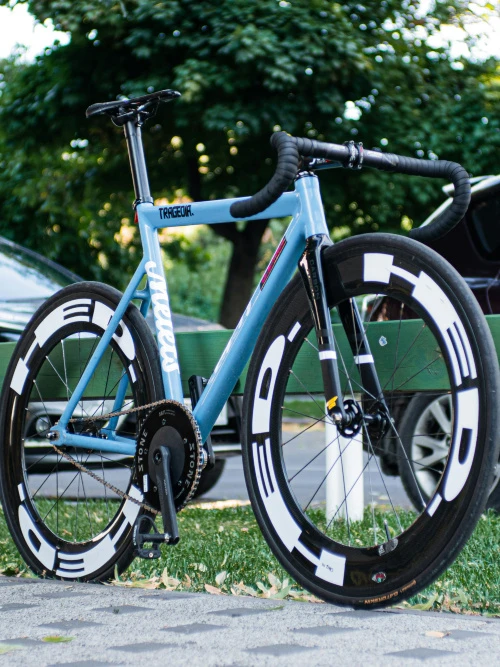
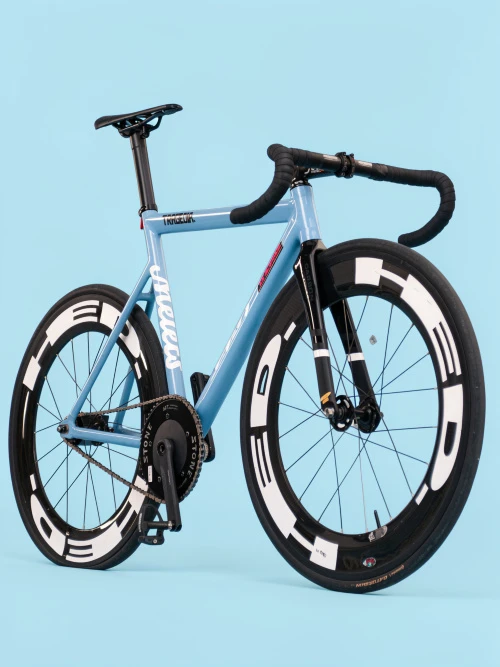
There are several different background designs to choose from, from classic solid colors to studio-style backdrops with different lighting, and even natural and urban landscapes. This can be especially useful for product photography because you can easily get a variety of product shots without the cost and time of a professional photoshoot.


Make Your Photos Ready for Publishing Online
Along with choosing the background type, our background remover also allows you to select the platform where you’ll post your photo – Etsy, eBay, Amazon, Instagram, Facebook, Reddit, and more. Moreover, you’ll be able to select the aspect ratio suitable for the platform of your choice. This way, modified images will be ready for publishing and won’t require any additional cropping or resizing.
If you still need to further improve the image quality, use our tools, such as Enhance Photo and Upscale Image.
How to Remove Background with WowEnhance
Step 1. Upload Your Images
Drag and drop your files or click Select Images. There are a few options you can choose from - upload from your device, Google Drive, Google Photos, Dropbox, or a web page.
Your photos will be uploaded instantly, regardless of their number. You can upload images of different sizes and formats in one batch.
Step 2. Start Processing
Click Remove Background.
A window with export settings will appear – you’ll see options for image style and aspect ratio. Here, you need to decide whether you want to simply remove the background or replace it with a different one. Once you’ve decided, click Enhance Photo at the bottom.
Wait until the background remover finishes processing.
Step 3. Preview and Download
Compare the originals with the modified photos using the slider and click Download All to download them to your device. If the background is transparent, all images will be saved in PNG; if the background is replaced, they will be saved in JPG.
FAQ
How to remove background from image for free?
Try an online background remover from WowEnhance. It’s a simple tool with a wide range of background replacement options. Everything happens automatically. Simply upload a photo and select your preferred background type. The image content doesn’t matter. The results will be equally excellent whether you upload a graphic image (e.g., a logo or an icon), a portrait, a product shot, or even a photo of an animal or a building.
Does the free background remover from WowEnhance have any limitations?
Yes, you can process up to 1 image at a time and up to 3 images per day. Photos with removed or changed backgrounds will not have watermarks. We also do not display ads and do not require you to sign up or enter personal information.
Does image quality suffer after background removal?
Our background remover will do its best to preserve the original image quality. Image quality may decrease after background removal only if the original photo has a very high resolution that our app cannot preserve.
How to change the background of a photo?
Upload your photo to a free background remover from WowEnhance, click Remove Background, then choose one of the backgrounds from the app’s gallery. In addition to a transparent background, you’ll be offered a white background, several gray and beige options, and colored backgrounds with different lighting. The types and number of backgrounds offered will depend on the content of the uploaded photos.