
Upscale Images
Upscale Images Online for Free
Upscale low-resolution images directly in your browser for free. Enlarge images without blurriness or pixelation. Make your photos sharp, clear and crisp, ready for printing or publishing online. No registration required.
Key features:
- Upscale images up to 4K/8K resolution
- Make photos print-ready by increasing their DPI to 300
- Process up to 3 images per day for free
- JPG, JPEG, PNG, WebP, HEIC, BMP, AVIF and RAW are supported
- No software installation required
- No sign-up, no ads.
Upscale an Image without Losing Quality
Our AI image upscaler increases resolution by 2x, 4x or more and restores the quality of images, making them sharper and more detailed. The main priority of our image upscaling tool is to deliver results that are as realistic and true to the original as possible.
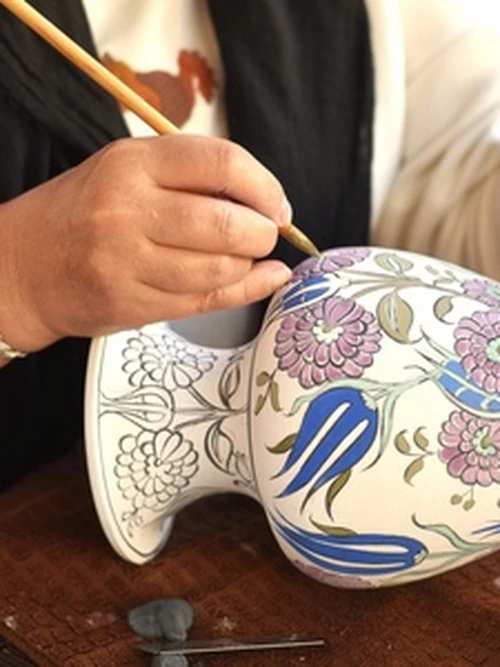
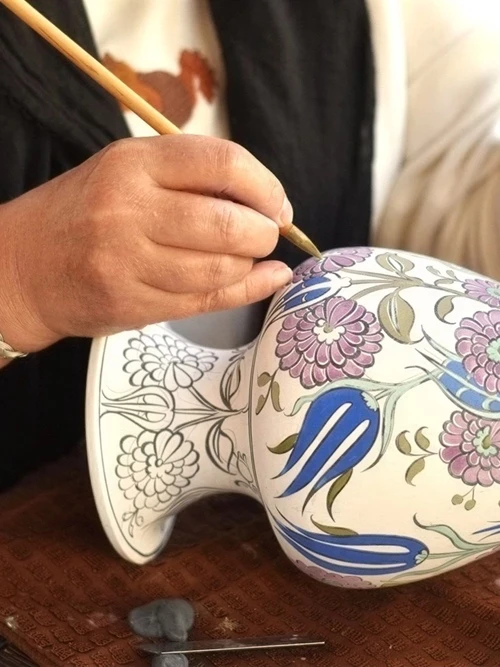
Upscale an Image while Preserving All the Details
In the past, software had to average the colors of surrounding pixels to fill the new space between them, which often led to subpar results.
Today, the process of upscaling an image is pretty much the same, except that modern AI technologies do a much better job. AI reconstructs all the details of a photo, even the smallest ones, with high accuracy.
Particular attention is paid to preserving:
- natural skin texture in portraits,
- the surface details of fabrics and materials in product and landscape photography,
- realistic rendering in AI-generated images.
Instantly Enlarge a Photo with a Single Click
Our app has no complicated settings to confuse you. Simply upload an image and click “Enhance Photo.”
In just a few seconds, you’ll get a larger, enhanced version of your original photo.
Everything is intuitive and easy to use. What’s more, you don’t need to sign up or purchase credits to get started.
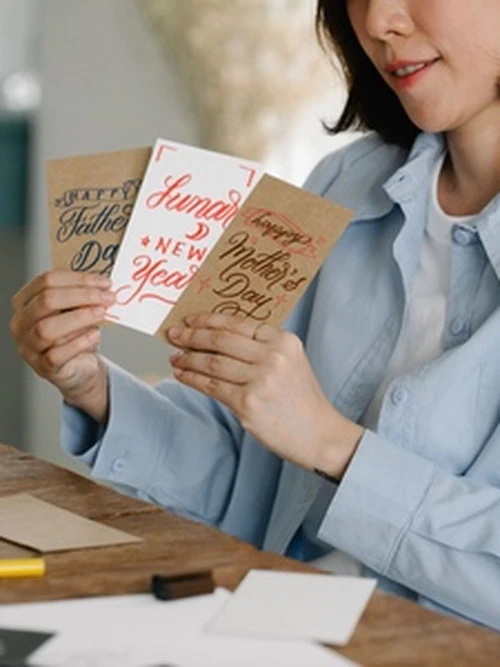
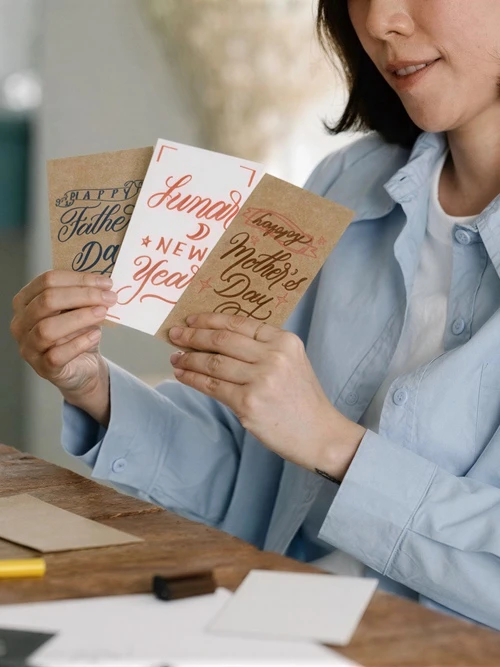
How to Upscale an Image with WowEnhance
Do the following to enlarge your image:
- Go to the app at the top of the page.
- Upload an image from your device, a cloud storage service, or a web page.
- Click the “Enhance Photo” button.
- Take a closer look at different parts of the upscaled image by using the slider. Compare the before and after to see the differences in size and quality.
- Click “Download” to save the final image.
All upscaled images are saved at 300 DPI. Our image upscaler requires no sign-ups or subscriptions at any stage. No watermarks will be added to your upscaled images, either.
FAQ
How to upscale an image for free?
Try image upscaler from WowEnhance. It allows you to process one image at a time and up to 3 images per day. This limit should be sufficient if you only need to enlarge a few photos. You don’t need to provide an email address or subscribe to a newsletter. Simply upload your photos and download the upscaled copies.
How to upscale an image without losing quality?
The only way to increase image resolution without losing quality is to use an AI image upscaler. It can analyze pixel patterns in low-resolution images and then generate missing visual information, restoring details much more accurately. The resulting images are sharper, clearer, and more defined. Image upscaling is performed automatically and typically requires no manual editing.
Can I upscale a batch of images with WowEnahance?
Yes, but it’s only possible in the paid version of the app. You won’t need to upload images one by one — you can upload the entire batch at once. The maximum number of photos you can process depends on the number of credits purchased.
What if the upscaled image has artifacts?
If you are not satisfied with the result, please send us the original photo along with a description of the problem. We will take your comments into account and refine the tool to prevent similar issues in the future.
What type of images can I upscale with WowEnhance?
Our AI image upscaler allows you to enlarge any image, but it works especially well for real estate photos, logos and graphics, AI-generated images and illustrations, old family photos, and product images. The app preserves original facial expressions as well as skin and hair texture, making sure that people look natural in every photo.